Apple Training Classes in Minnesota — Taught by Joel Feld
Hands-on Apple workshops in Anoka, Osseo, Minnetonka & Wayzata
Learn how to get the most out of your Apple devices with friendly, hands-on classes through Community Education programs across Minnesota. Whether you’re brand new to the Mac or want to level-up your iPhone skills, these small-group classes are designed to help you feel confident and excited to use your Apple devices
What you’ll learn:
• Apple Photos — organizing, editing & sharing
• iCloud & file management
• iMovie & Mac productivity
• iPhone/iPad tips for everyday use
• And more — all taught in a friendly, hands-on, beginner-welcoming format!
How to register:
Use the calendar below to browse upcoming classes.
Click any event below for full details, location info, and online registration through your local school district.
Anoka Course Catalog Registration
Maple Grove - Osseo Course Catalog Registration
What to expect
• Classes include live demonstrations so you can clearly see every step
• You’re welcome to bring your own device and follow along at your own pace
• Small-group format means plenty of time for questions!
• All classes move at a comfortable pace — no tech experience required for beginner sessions
If you’d like to know more about the person behind these classes, you can learn a little about me here → Meet Joel.
Upcoming Classes
Scroll down to view full class descriptions, locations, and registration links.

Getting Started with Apple iMovie on your Mac: Bringing Your Stories to Life

Want to make your home videos and photos look more polished? With Apple iMovie, you can turn everyday memories into movies worth sharing. In this beginner-friendly class, you’ll learn how to import and organize media, edit clips on a timeline, and add titles, transitions, and effects.
You’ll also explore how to enhance your projects with music and voiceovers, then export your finished video to share with family, friends, or online. Whether you’re creating a simple slideshow or telling a larger story, this class will help you bring your ideas to life with iMovie.

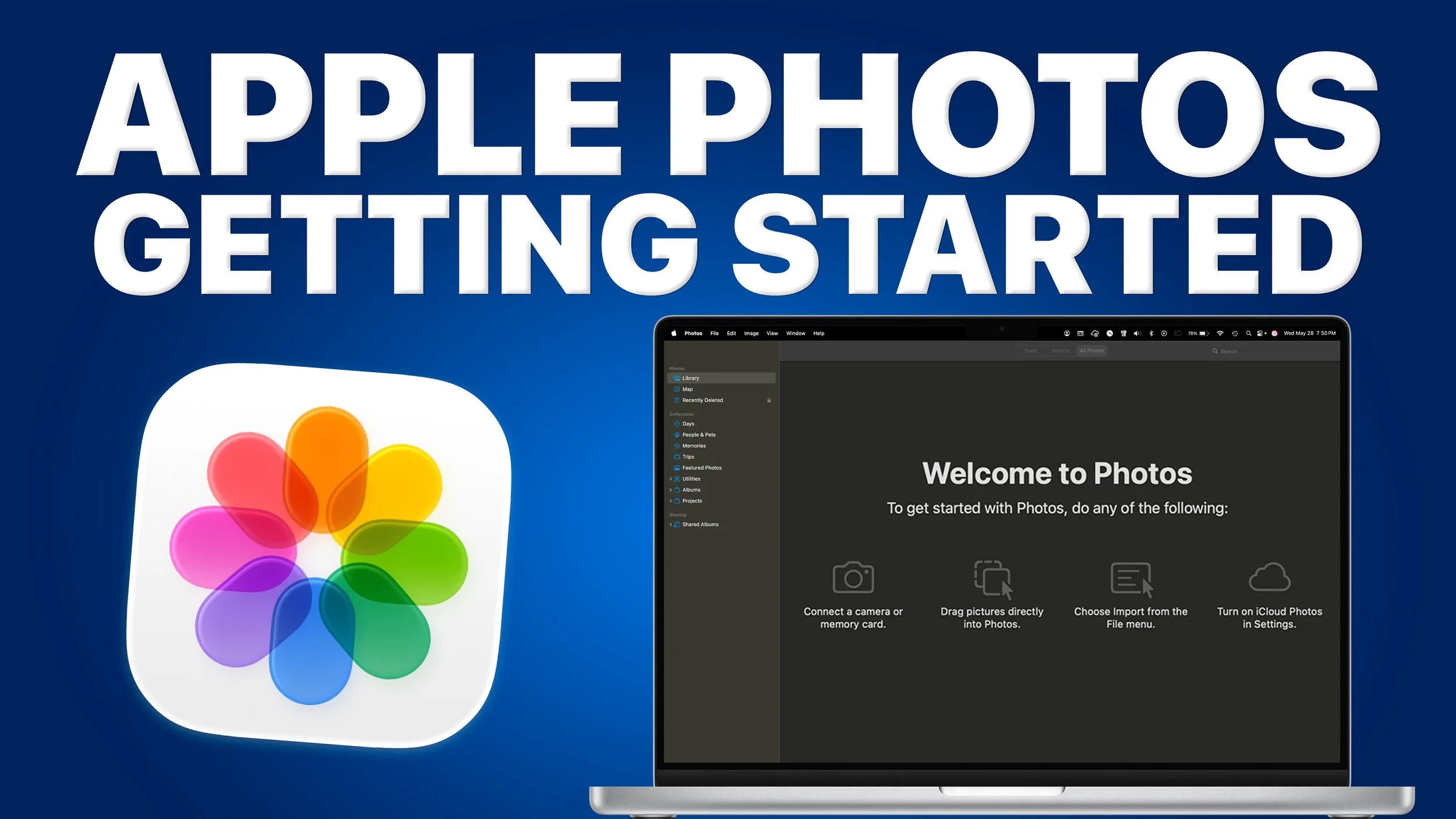
Apple Photos on the Mac: Getting Started
Is your photo collection overwhelming or hard to manage?
In this beginner-friendly class, you’ll learn how to get started with Apple Photos on your Apple devices and feel more in control of your pictures and videos.
Discover how to import from different sources, understand the Photos Library layout, and use iCloud Photos to keep your memories safe and synced across all your devices.
Bring your device and follow along to learn how to organize and enjoy your memories with ease.

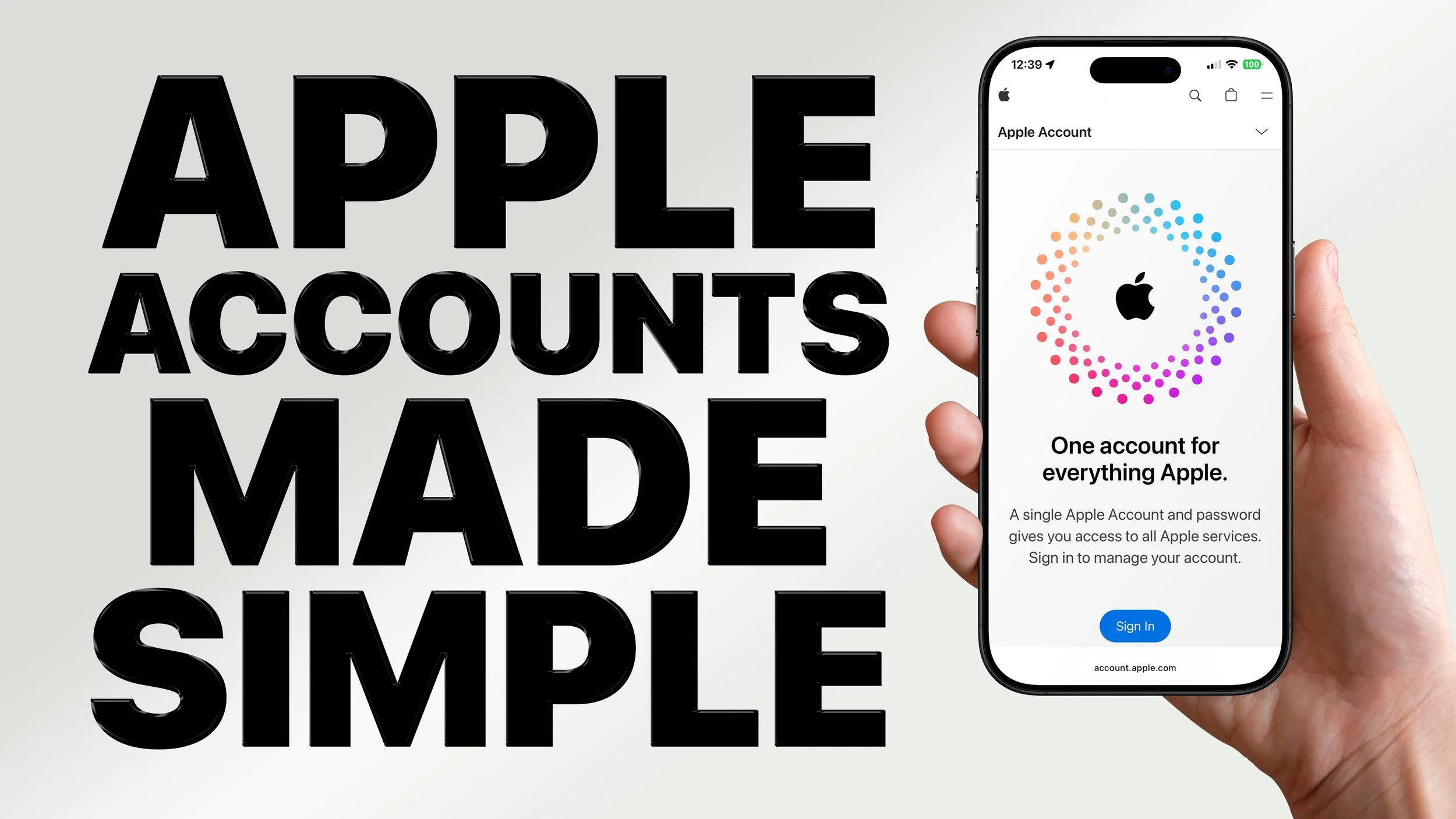
Apple Accounts Made Simple: iCloud, Family Sharing, and Security
Are Apple Accounts confusing or frustrating for you and your family?
In this class, you’ll learn how Apple Accounts connect your iCloud, App Store purchases, subscriptions, and more.
Discover how to manage your account on iPhone, iPad, and Mac, set up Family Sharing for purchases and storage, and keep your data safe with two-factor authentication. We’ll also cover common issues such as handling multiple accounts in one household or what to do if you get locked out.
Bring your device and follow along to practice managing your Apple Account with confidence.

Goodbye iMovie, Hello Final Cut Pro
Have you outgrown iMovie and wondered what comes next?
In this class, you’ll explore why Apple’s Final Cut Pro is the next step for advanced video editing. See iMovie and Final Cut Pro compared side by side, with key differences in workflow, editing tools, effects, audio controls, and color grading.
You’ll also learn how Final Cut Pro offers more creative options, stronger performance, and professional-level features. If you’re curious about expanding your editing skills, this class will introduce you to the possibilities of Final Cut Pro.

Apple Accounts Made Simple: iCloud, Family Sharing, and Security
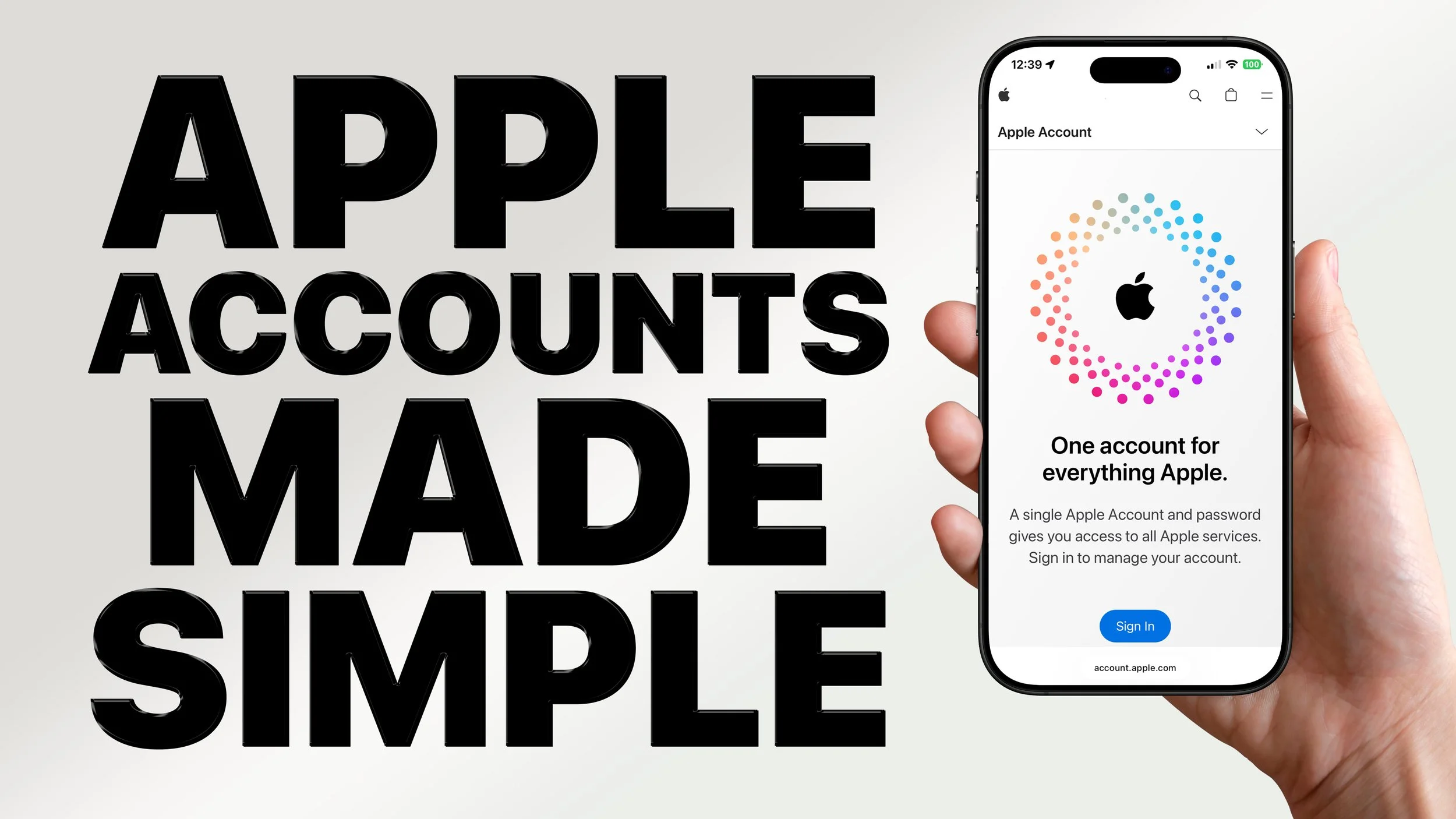
Are Apple Accounts confusing or frustrating for you and your family?
In this class, you’ll learn how Apple Accounts connect your iCloud, App Store purchases, subscriptions, and more.
Discover how to manage your account on iPhone, iPad, and Mac, set up Family Sharing for purchases and storage, and keep your data safe with two-factor authentication. We’ll also cover common issues such as handling multiple accounts in one household or what to do if you get locked out.
Bring your device and follow along to practice managing your Apple Account with confidence.

Apple Contacts, Calendar, and Notes: Stay Organized Across Your Devices
Want an easier way to manage your digital life?
In this class, you’ll learn how to stay organized using Apple’s built-in apps for contacts, schedules, and notes. We’ll cover how to create and manage events in Calendar, keep your contacts up to date across devices, and make searchable, shareable notes in Apple Notes.
You’ll also see how iCloud keeps everything synced and explore collaboration tools and time-saving tips to increase productivity at home or work.
Bring your iPhone, iPad, or Mac to follow along.

Apple Photos on the Mac: Editing Made Easy
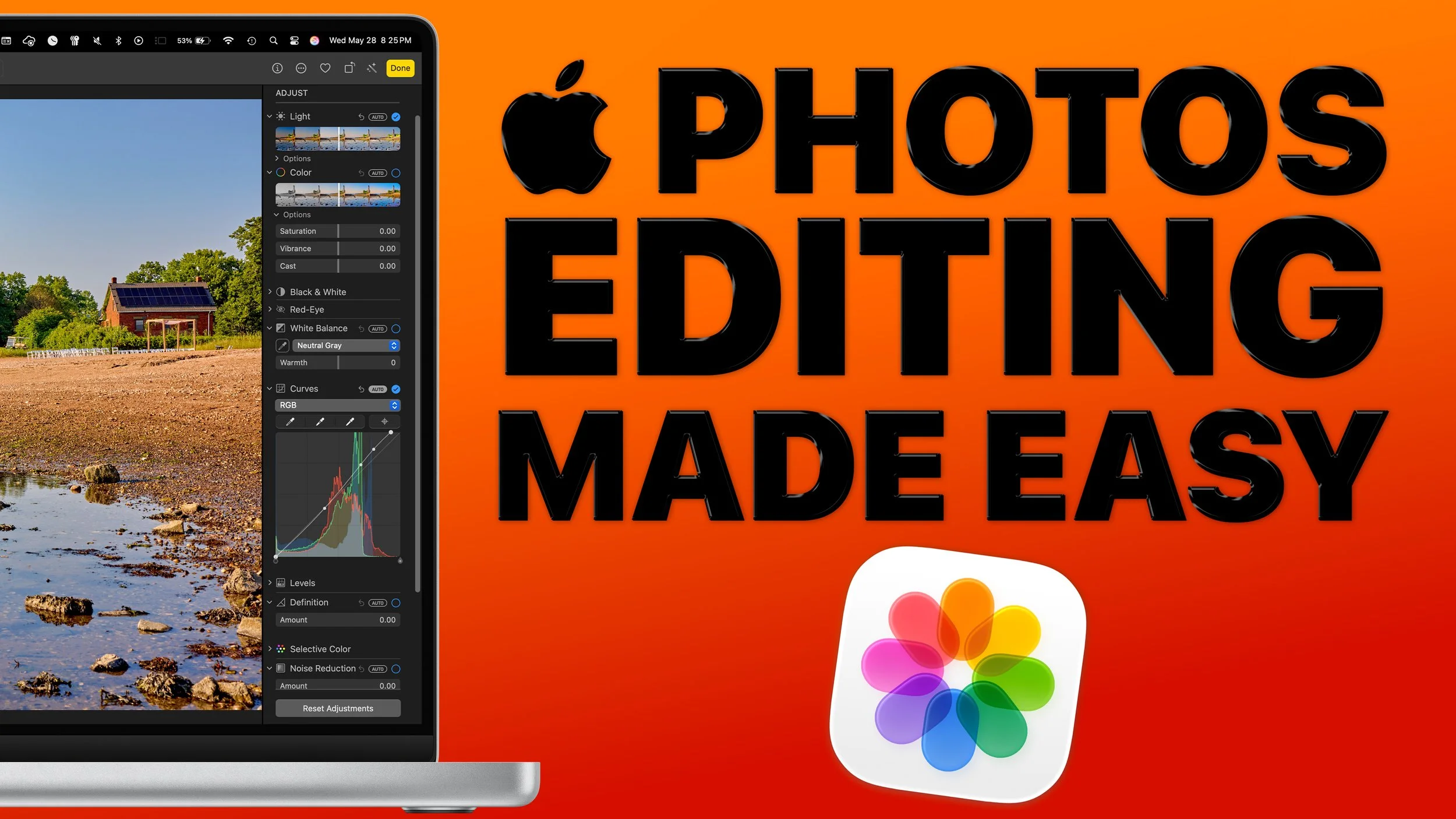
Want to make your photos look their best without extra software?
In this class, you’ll learn how to edit pictures using Apple Photos on your devices. Explore tools for enhancing color and light, cropping and straightening, and applying filters.
We’ll also cover editing Portrait and Live Photos, using batch edits and markup tools, and exporting your photos for printing or sharing.
Bring your favorite photos to class and practice simple ways to improve them.

Getting Started with Apple iMovie on your Mac: Bringing Your Stories to Life
Want to make your home videos and photos look more polished? With Apple iMovie, you can turn everyday memories into movies worth sharing. In this beginner-friendly class, you’ll learn how to import and organize media, edit clips on a timeline, and add titles, transitions, and effects.
You’ll also explore how to enhance your projects with music and voiceovers, then export your finished video to share with family, friends, or online. Whether you’re creating a simple slideshow or telling a larger story, this class will help you bring your ideas to life with iMovie.

It’s Never Too Late to Start a YouTube Channel!

Have you ever wanted to start a YouTube channel but weren’t sure where to begin?
In this beginner-friendly class, you’ll learn step by step how to turn your ideas into videos and share them with others. Discover how to define your niche, set up your channel with the right branding, and create content using tools you already have, like your phone or computer.
We’ll also cover how to write effective titles, design thumbnails, promote your videos, and understand the basics of monetization.
This class will give you practical skills to start building your own YouTube channel.
Next Level Editing: Getting Started with Apple Final Cut Pro
Ready to take your video editing further? In this hands-on class, you’ll learn the essentials of Apple’s professional editing software, Final Cut Pro.
Discover how to navigate the interface, manage your media, and edit with the magnetic timeline. We’ll cover trimming clips, adding transitions, working with audio, and making simple color corrections.
You’ll also get an introduction to advanced tools like multi-cam editing, keyframes, and green screen effects. By the end, you’ll be able to create polished projects and share them with others.

iPhone Photography for Beginners: Master the Lens in Your Pocket
Did you know your iPhone camera can capture photos and videos that rival traditional cameras?…well kinda…
In this beginner-friendly class, you’ll learn how to make the most of your iPhone’s camera. Explore different shooting modes, adjust settings for better results, and use simple editing tools to enhance your pictures.
You’ll also discover easy ways to share your favorite moments with family and friends. Whether you’re new to photography or want to get more from your iPhone, this class will help you turn everyday snapshots into lasting memories.
Getting Started with Apple iWork (Pages, Numbers, Keynote)
Did you know your Apple devices already include free apps for creating documents, spreadsheets, and presentations?
In this beginner-friendly class, you’ll learn how to write in Pages, manage data with Numbers, and design slides in Keynote. Explore templates, add images and charts, and discover how to share your projects with others using Apple’s built-in tools.
Whether you’re writing, organizing, or presenting, this class will help you get more done with the apps you already have.

Getting Started with ChatGPT, Apple Intelligence, and AI Tools
Curious about AI but not sure where to start? In this beginner-friendly class, you’ll explore ChatGPT, Apple Intelligence, and other popular AI tools that can make everyday tasks easier and more creative.
Learn the difference between free and paid versions of ChatGPT, see how Apple Intelligence is being built into iPhone, iPad, and Mac, and get an introduction to tools like Microsoft Copilot and Adobe Firefly.
Through live demos, you’ll see how AI works in plain language and practice safe, effective ways to use it at home or at work.

Getting Started with Apple iMovie on your Mac: Bringing Your Stories to Life
Want to make your home videos and photos look more polished? With Apple iMovie, you can turn everyday memories into movies worth sharing. In this beginner-friendly class, you’ll learn how to import and organize media, edit clips on a timeline, and add titles, transitions, and effects.
You’ll also explore how to enhance your projects with music and voiceovers, then export your finished video to share with family, friends, or online. Whether you’re creating a simple slideshow or telling a larger story, this class will help you bring your ideas to life with iMovie.

Goodbye iMovie, Hello Final Cut Pro
Have you outgrown iMovie and wondered what comes next?
In this class, you’ll explore why Apple’s Final Cut Pro is the next step for advanced video editing. See iMovie and Final Cut Pro compared side by side, with key differences in workflow, editing tools, effects, audio controls, and color grading.
You’ll also learn how Final Cut Pro offers more creative options, stronger performance, and professional-level features. If you’re curious about expanding your editing skills, this class will introduce you to the possibilities of Final Cut Pro.

Apple Accounts Made Simple: iCloud, Family Sharing, and Security
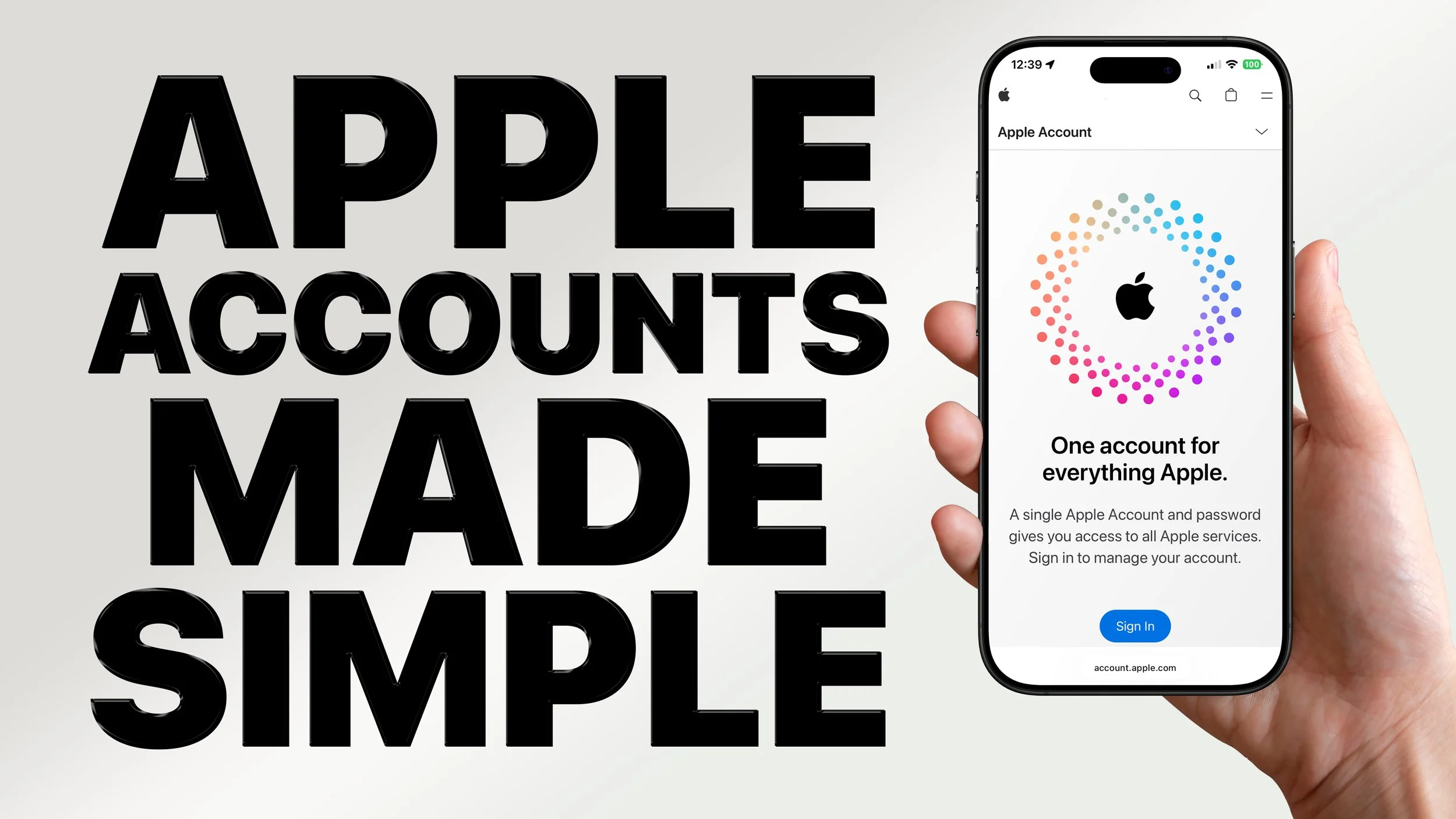
Are Apple Accounts confusing or frustrating for you and your family?
In this class, you’ll learn how Apple Accounts connect your iCloud, App Store purchases, subscriptions, and more.
Discover how to manage your account on iPhone, iPad, and Mac, set up Family Sharing for purchases and storage, and keep your data safe with two-factor authentication. We’ll also cover common issues such as handling multiple accounts in one household or what to do if you get locked out.
Bring your device and follow along to practice managing your Apple Account with confidence.

iPhone Photography for Beginners: Master the Lens in Your Pocket
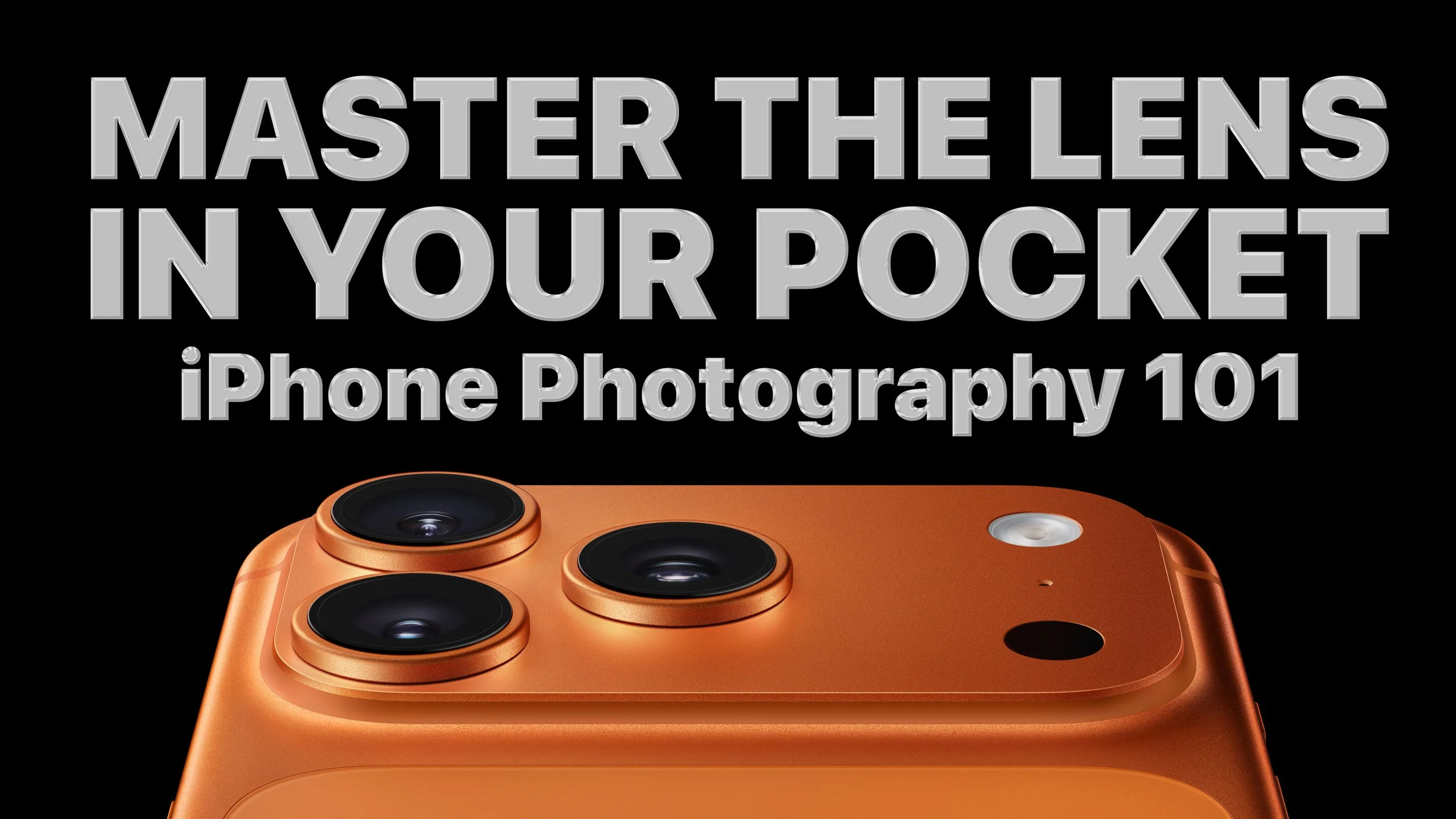
Did you know your iPhone camera can capture photos and videos that rival traditional cameras?…well kinda…
In this beginner-friendly class, you’ll learn how to make the most of your iPhone’s camera. Explore different shooting modes, adjust settings for better results, and use simple editing tools to enhance your pictures.
You’ll also discover easy ways to share your favorite moments with family and friends. Whether you’re new to photography or want to get more from your iPhone, this class will help you turn everyday snapshots into lasting memories.

Organize Your Digital Life: Files, Folders, and Cloud Storage
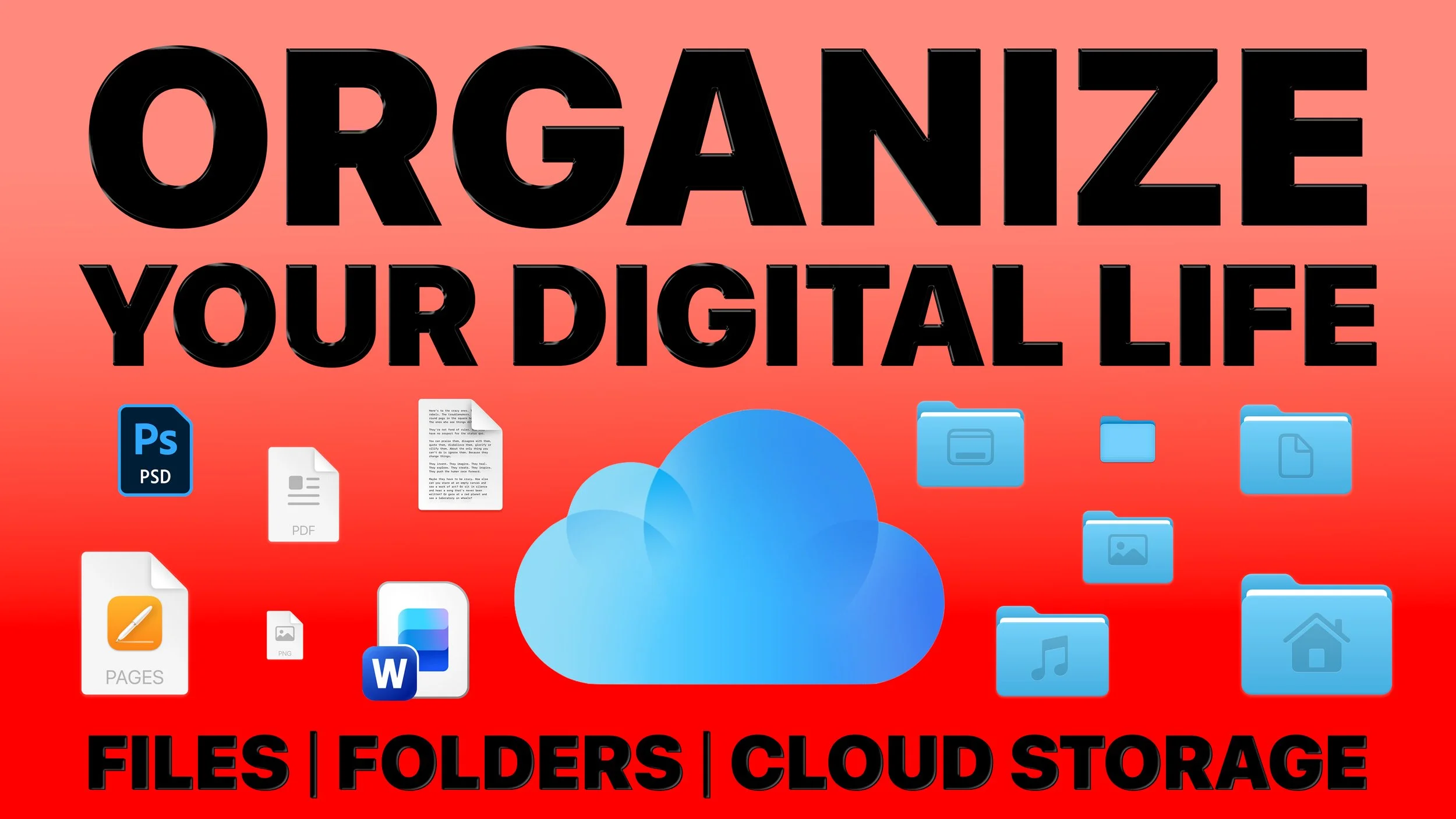
Is your Mac desktop cluttered with files that are hard to find later? In this class, you’ll learn simple ways to bring order to your digital life using the Finder — your best friend on the Mac.
Discover how to create folders, name files effectively, and use tags and search tools to stay organized. I’ll also explain the difference between local storage and cloud services like iCloud Drive, Google Drive, and Microsoft OneDrive, so you’ll always know where your files are stored.
Bring your device and follow along to practice organizing your digital world.

Goodbye iMovie, Hello Final Cut Pro
Have you outgrown iMovie and wondered what comes next?
In this class, you’ll explore why Apple’s Final Cut Pro is the next step for advanced video editing. See iMovie and Final Cut Pro compared side by side, with key differences in workflow, editing tools, effects, audio controls, and color grading.
You’ll also learn how Final Cut Pro offers more creative options, stronger performance, and professional-level features. If you’re curious about expanding your editing skills, this class will introduce you to the possibilities of Final Cut Pro.

It’s Easier Than You Think: How to Build Your Own Website!

Want to create your own website but feel overwhelmed by the tech side?
In this beginner-friendly class, you’ll see how simple it can be. Using tools like Squarespace, Wix, and WordPress, you’ll learn how to design and launch a site without needing to code.
Discover how to set up pages, customize templates, and add features like contact forms, photo galleries, and e-commerce. We’ll also cover naming your site, branding basics, and simple SEO to help people find it.
Bring your device and follow along to start building a website that fits your goals — whether for business, blogging, photography, or personal projects.
Next Level Editing: Getting Started with Apple Final Cut Pro
Ready to take your video editing further? In this hands-on class, you’ll learn the essentials of Apple’s professional editing software, Final Cut Pro.
Discover how to navigate the interface, manage your media, and edit with the magnetic timeline. We’ll cover trimming clips, adding transitions, working with audio, and making simple color corrections.
You’ll also get an introduction to advanced tools like multi-cam editing, keyframes, and green screen effects. By the end, you’ll be able to create polished projects and share them with others.

iCloud Made Simple: Sync, Backup, and Storage
Does iCloud feel confusing or frustrating to use? You’re not alone. In this class, you’ll learn how iCloud can make your digital life easier and more secure.
Discover how to keep your photos, files, and contacts automatically synced across your iPhone, iPad, and Mac. We’ll cover how to manage storage, back up your devices, and use features like iCloud Drive, iCloud Photos, Find My, and iCloud Keychain for passwords.
Bring your device and follow along to gain confidence using iCloud every day.

Stay Secure with Apple: Passwords, Passkeys, and Privacy
Do you ever worry about the safety of your data on Apple devices?
In this class, you’ll learn the essential steps to protect your accounts and information on iPhone, iPad, and Mac. Explore how to use the built-in Passwords app, Face ID, and Touch ID for both security and convenience, set up two-factor authentication, and try the new passkeys feature.
We’ll also walk through privacy settings for apps, location services, and Safari so you can stay in control of what’s shared.
Bring your device and follow along to practice using these tools with confidence.

Work With Joel: Apple Help Workshop
Need help finishing a project or figuring out your Apple device?
In this small-group, hands-on workshop, you’ll get the chance to bring your own project and work alongside an expert. Whether you’re organizing photos, editing a slideshow, cleaning up files, or setting up iCloud, Joel will be there to guide you step by step.
With a smaller class size, you’ll have more time for personalized help and leave with both new skills and real progress on your project.

Apple Photos on the Mac: Organize and Share
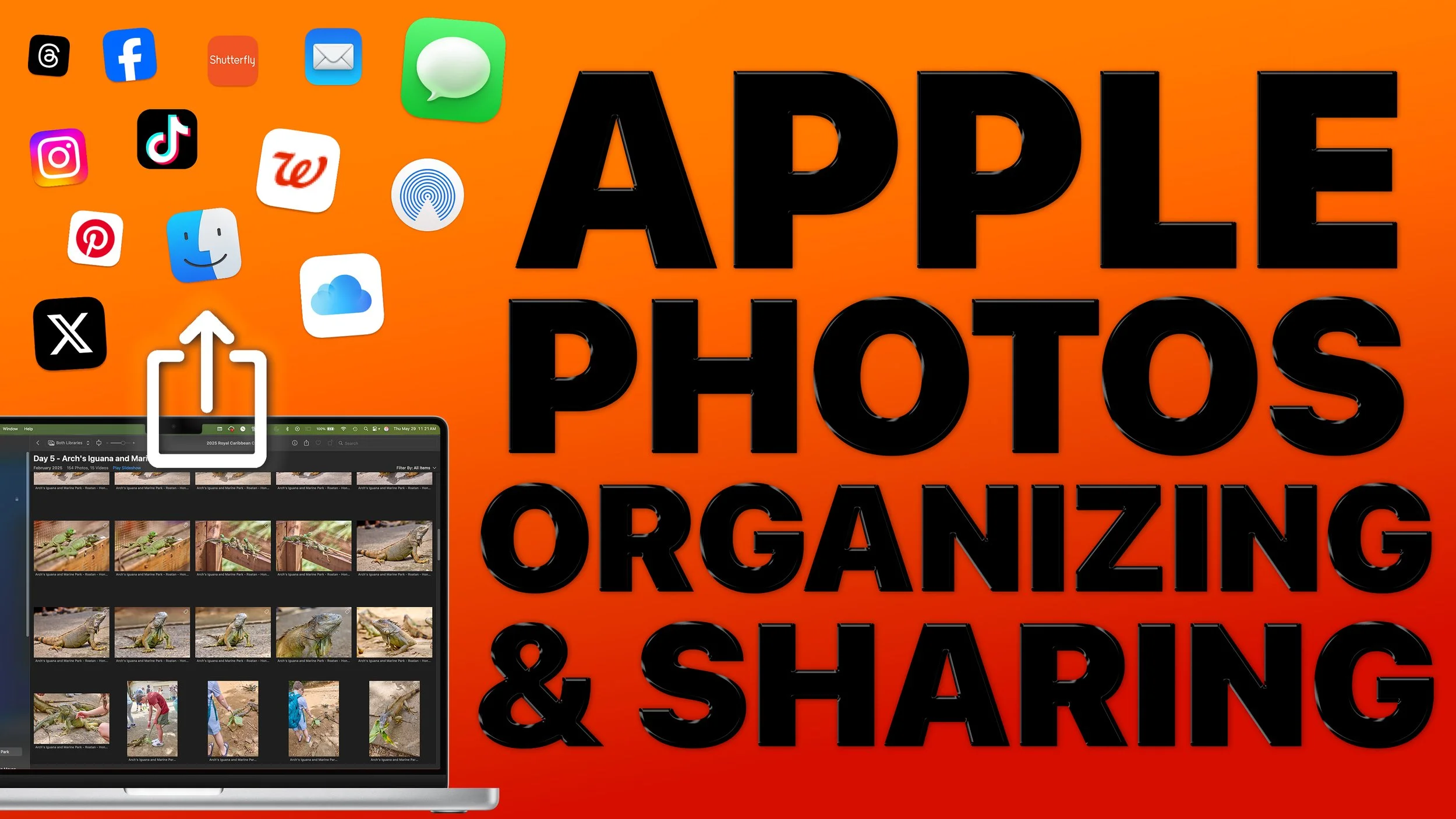
Is your photo library overflowing and hard to manage?
In this class, you’ll learn how to bring order to your growing collection with Apple Photos on your devices.
Discover how to create albums and folders, add keywords and captions, and use Smart Albums to keep everything organized automatically. We’ll also explore powerful search and filtering tools, sharing options with iCloud, and privacy settings to keep your memories secure.
Bring your device and follow along to practice organizing and sharing your photos.

Apple Photos on the Mac: Advanced Editing with Extensions and 3rd-Party Apps
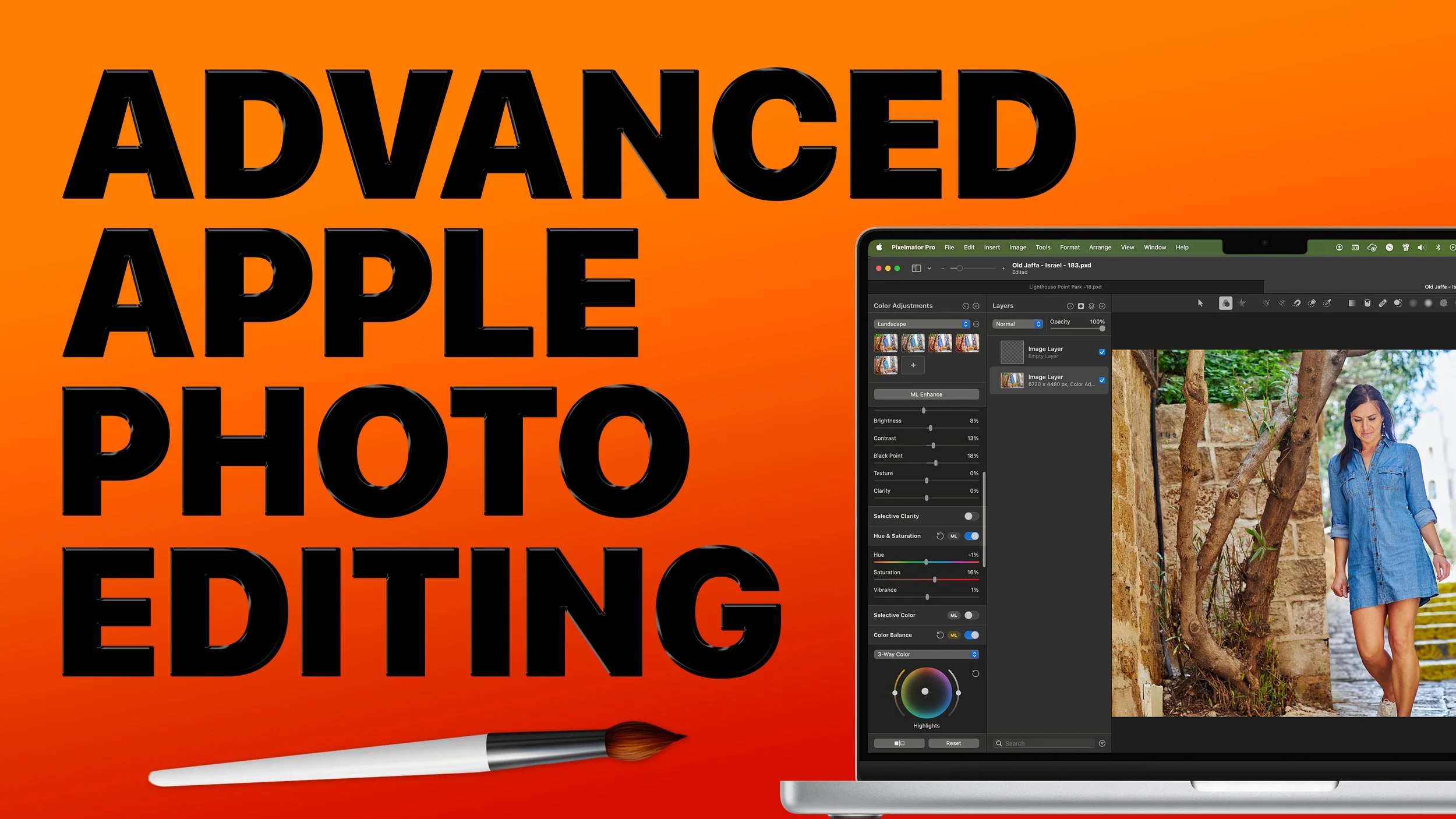
Ready to go beyond the basics of photo editing?
In this class, you’ll learn how to use advanced tools in Apple Photos, including Curves, Levels, and Selective Color, to fine-tune your images.
We’ll also explore how extensions like Pixelmator, Luminar, and Affinity Photo can expand your creative options — all while working inside the Photos app.
This class is designed for photography enthusiasts who want more editing control and creative flexibility.