Apple Training Classes in Minnesota — Taught by Joel Feld
Hands-on Apple workshops in Anoka, Osseo, Minnetonka & Wayzata
Learn how to get the most out of your Apple devices with friendly, hands-on classes through Community Education programs across Minnesota. Whether you’re brand new to the Mac or want to level-up your iPhone skills, these small-group classes are designed to help you feel confident and excited to use your Apple devices
What you’ll learn:
• Apple Photos — organizing, editing & sharing
• iCloud & file management
• iMovie & Mac productivity
• iPhone/iPad tips for everyday use
• And more — all taught in a friendly, hands-on, beginner-welcoming format!
How to register:
Use the calendar below to browse upcoming classes.
Click any event below for full details, location info, and online registration through your local school district.
Anoka Course Catalog Registration
Maple Grove - Osseo Course Catalog Registration
What to expect
• Classes include live demonstrations so you can clearly see every step
• You’re welcome to bring your own device and follow along at your own pace
• Small-group format means plenty of time for questions!
• All classes move at a comfortable pace — no tech experience required for beginner sessions
If you’d like to know more about the person behind these classes, you can learn a little about me here → Meet Joel.
Upcoming Classes
Scroll down to view full class descriptions, locations, and registration links.

iCloud Made Simple: Sync, Backup, and Storage
Does iCloud feel confusing or frustrating to use? You’re not alone. In this class, you’ll learn how iCloud can make your digital life easier and more secure.
Discover how to keep your photos, files, and contacts automatically synced across your iPhone, iPad, and Mac. We’ll cover how to manage storage, back up your devices, and use features like iCloud Drive, iCloud Photos, Find My, and iCloud Keychain for passwords.
Bring your device and follow along to gain confidence using iCloud every day.

Organize Your Digital Life: Files, Folders, and Cloud Storage
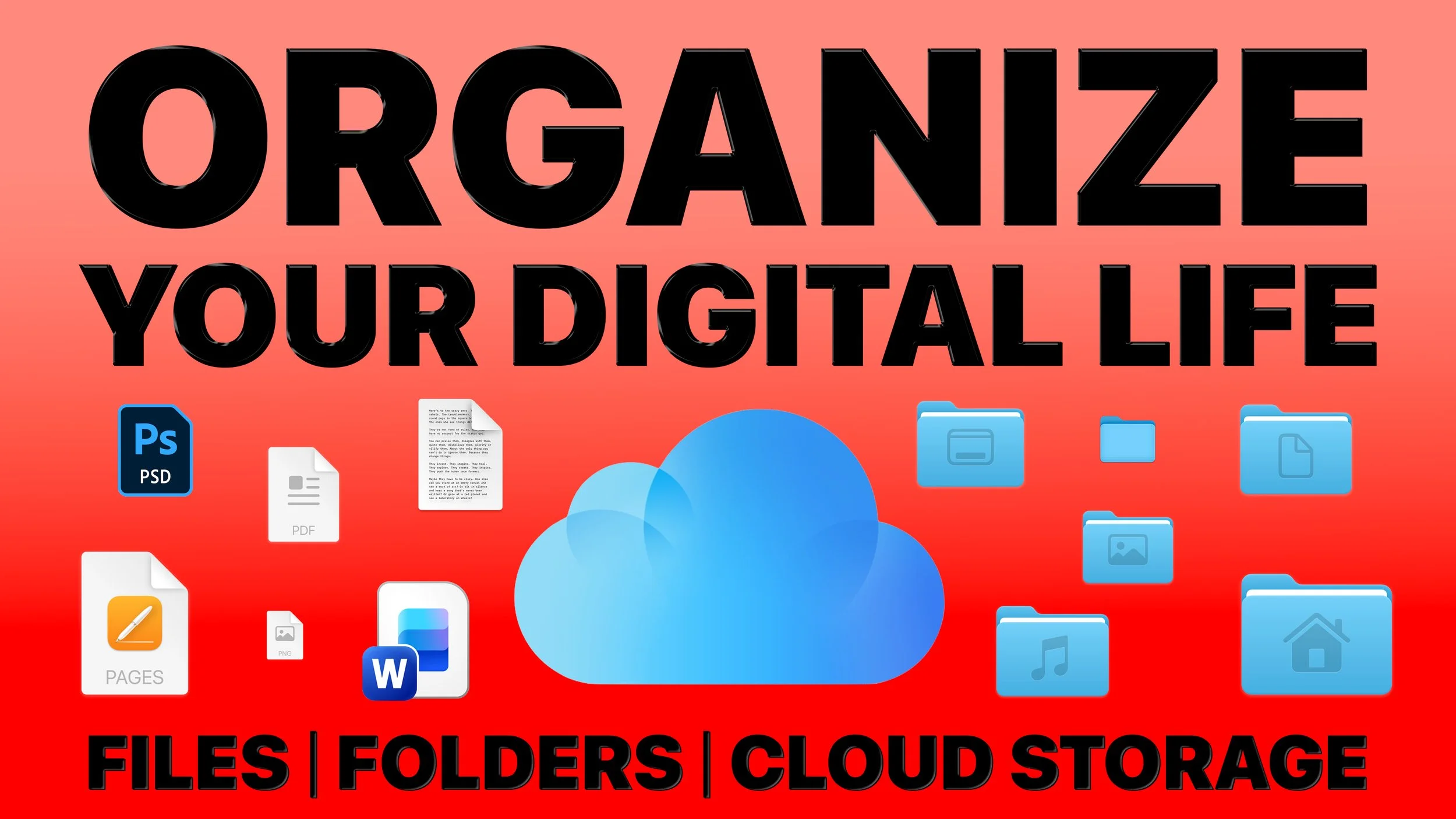
Is your Mac desktop cluttered with files that are hard to find later? In this class, you’ll learn simple ways to bring order to your digital life using the Finder — your best friend on the Mac.
Discover how to create folders, name files effectively, and use tags and search tools to stay organized. I’ll also explain the difference between local storage and cloud services like iCloud Drive, Google Drive, and Microsoft OneDrive, so you’ll always know where your files are stored.
Bring your device and follow along to practice organizing your digital world.

iCloud Made Simple: Sync, Backup, and Storage
Does iCloud feel confusing or frustrating to use? You’re not alone. In this class, you’ll learn how iCloud can make your digital life easier and more secure.
Discover how to keep your photos, files, and contacts automatically synced across your iPhone, iPad, and Mac. We’ll cover how to manage storage, back up your devices, and use features like iCloud Drive, iCloud Photos, Find My, and iCloud Keychain for passwords.
Bring your device and follow along to gain confidence using iCloud every day.

It's Easier Than You Think: How to Build Your Own Website

Want to create your own website but feel overwhelmed by the tech side?
In this beginner-friendly class, you’ll see how simple it can be. Using tools like Squarespace, Wix, and WordPress, you’ll learn how to design and launch a site without needing to code.
Discover how to set up pages, customize templates, and add features like contact forms, photo galleries, and e-commerce. We’ll also cover naming your site, branding basics, and simple SEO to help people find it.
Bring your device and follow along to start building a website that fits your goals — whether for business, blogging, photography, or personal projects.

iCloud Made Simple: Sync, Backup, and Storage
Does iCloud feel confusing or frustrating to use? You’re not alone. In this class, you’ll learn how iCloud can make your digital life easier and more secure.
Discover how to keep your photos, files, and contacts automatically synced across your iPhone, iPad, and Mac. We’ll cover how to manage storage, back up your devices, and use features like iCloud Drive, iCloud Photos, Find My, and iCloud Keychain for passwords.
Bring your device and follow along to gain confidence using iCloud every day.

Getting Started with Apple iMovie on Your Mac
Want to make your home videos and photos look more polished? With Apple iMovie, you can turn everyday memories into movies worth sharing. In this beginner-friendly class, you’ll learn how to import and organize media, edit clips on a timeline, and add titles, transitions, and effects.
You’ll also explore how to enhance your projects with music and voiceovers, then export your finished video to share with family, friends, or online. Whether you’re creating a simple slideshow or telling a larger story, this class will help you bring your ideas to life with iMovie.